How to optimise WordPress images
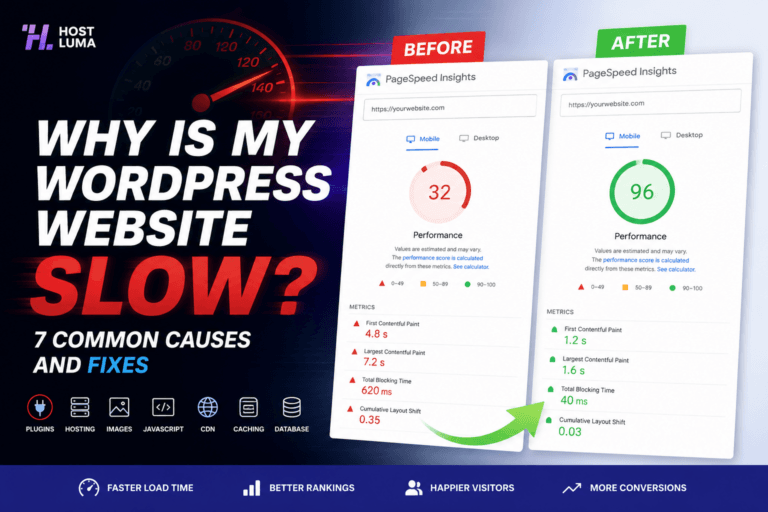
Images are one of the most common causes of slow WordPress websites. Large images can make pages heavy, especially on mobile.
Use the right image size
Do not upload a 4000px wide photo if it only displays as a small website image. Resize images before uploading where possible.
Compress images
Compression reduces file size while keeping acceptable quality. This helps pages load faster.
Use modern formats
Modern formats such as WebP can reduce file size compared with older formats, depending on the image.
Avoid too many large hero images
Large full-screen backgrounds can look good but may slow down mobile loading if not optimised.
Check image-heavy pages
Homepages.
Portfolio pages.
Gallery pages.
Blog posts with many screenshots.
Product pages.
Ask support if unsure
Host Luma can advise if images are affecting performance.
Important notes
Never upload massive raw phone or camera images directly if you want the fastest possible page loads.
Need help?
If you are unsure about any step, contact Host Luma support before making changes. We can help check the correct settings and guide you through the process.
Need Faster WordPress Hosting?
Discover fully managed WordPress hosting with LiteSpeed Enterprise, free CDN, automated backups and proactive WordPress maintenance.