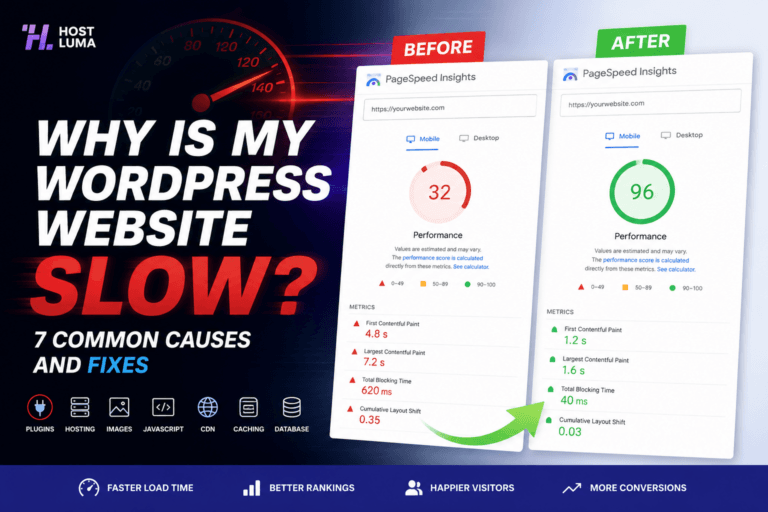
How caching works
Caching helps websites load faster by storing generated content so the server does not have to rebuild every page from scratch on every visit.
Without caching
WordPress often has to run PHP code, query the database, load plugins, build the page and send it to the visitor every time.
With caching
A cached version of the page can be served much faster because the heavy work has already been done.
Types of caching
Page cache: stores full page output.
Browser cache: tells visitors’ browsers to reuse static files.
Object cache: can reduce repeated database work on some setups.
CDN cache: serves files from locations closer to visitors.
When cache should be cleared
After major design changes.
After updating important content.
After changing menus or global templates.
When troubleshooting stale content.
When cache should not be cleared
Do not clear cache repeatedly for no reason. A warm cache helps your website stay fast.
Important notes
Logged-in WordPress admin areas should not be cached like normal public pages.
Need help?
If you are unsure about any step, contact Host Luma support before making changes. We can help check the correct settings and guide you through the process.


Need Faster WordPress Hosting?
Discover fully managed WordPress hosting with LiteSpeed Enterprise, free CDN, automated backups and proactive WordPress maintenance.