
How malware protection works
Malware protection helps detect suspicious files, compromised scripts or malicious behaviour on a website.
What malware is
Website malware can include hidden spam pages, malicious PHP files, redirects, fake login pages, backdoors or injected code.
How websites get infected
Weak passwords.
Outdated plugins or themes.
Pirated themes or plugins.
Compromised admin accounts.
Vulnerable file upload forms.
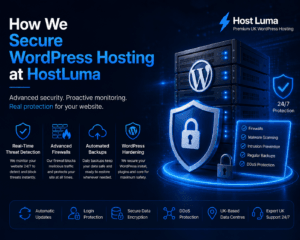
How protection helps
Scans can detect suspicious files.
Known malware signatures can be identified.
Unusual file changes can be investigated.
Threats may be blocked, quarantined or cleaned depending on the situation.
Signs of infection
Visitors are redirected to strange websites.
Google shows a security warning.
Unknown admin users appear.
Pages contain spam content.
Files appear that you did not upload.
What to do if you suspect malware
Contact Host Luma support immediately. Do not delete random files unless you know what they are, because this can make recovery harder.
Important notes
Keeping plugins, themes and passwords secure is still important even on managed hosting.
Need help?
If you are unsure about any step, contact Host Luma support before making changes. We can help check the correct settings and guide you through the process.


Need Faster WordPress Hosting?
Discover fully managed WordPress hosting with LiteSpeed Enterprise, free CDN, automated backups and proactive WordPress maintenance.

