What affects website speed
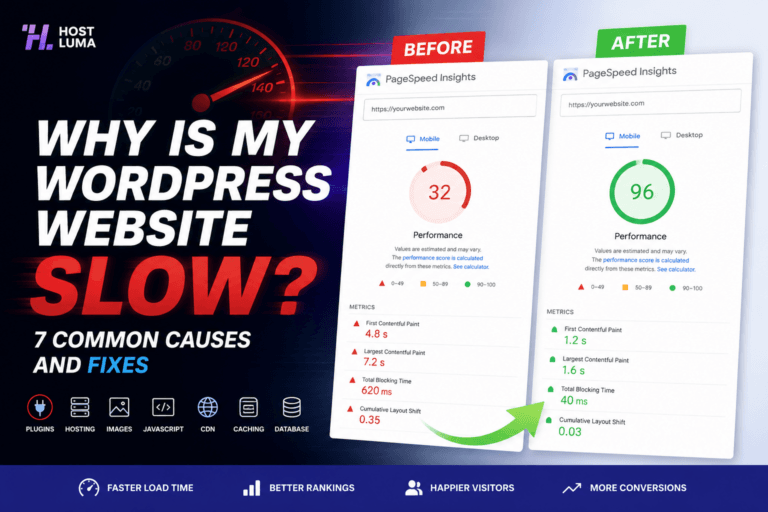
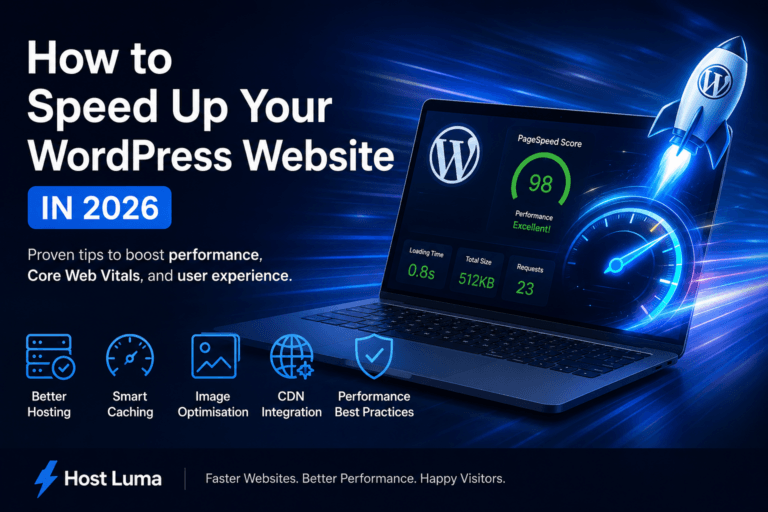
Website speed is affected by hosting, WordPress configuration, theme quality, plugins, images, scripts and caching.
Hosting quality
Server resources, LiteSpeed configuration, storage speed and network performance all affect load times.
Theme and builder
Heavy themes or page builders can add extra CSS, JavaScript and layout complexity. Good design should be balanced with performance.
Plugins
Too many plugins or badly coded plugins can slow down the database, admin area and front end.
Images and media
Large images, videos and background media can make pages slow, especially on mobile connections.
Third-party scripts
Live chat, tracking scripts, fonts, adverts and external widgets can delay loading because they rely on other services.
Caching
Good caching can dramatically improve repeat page delivery, but incorrect caching can cause stale content or login issues.
How to improve speed
Use optimised images.
Remove unnecessary plugins.
Keep pages clean and focused.
Use LiteSpeed Cache correctly.
Ask Host Luma support to check bottlenecks.
Important notes
Speed should be checked using real pages, not just the homepage. Contact forms, service pages and landing pages matter too.
Need help?
If you are unsure about any step, contact Host Luma support before making changes. We can help check the correct settings and guide you through the process.
Need Faster WordPress Hosting?
Discover fully managed WordPress hosting with LiteSpeed Enterprise, free CDN, automated backups and proactive WordPress maintenance.